You need a Looksy account connected to your Shopify store, permission to manage Looksy integrations, and access to your Gorgias account.
Before You Start
Confirm that:- Looksy is installed on the Shopify store you want to connect
- You can manage integrations in Looksy
- You can approve apps in the Gorgias account
- Customer photos are JPG, PNG, or WebP files
Connect Gorgias
- In Shopify Admin, open Looksy.
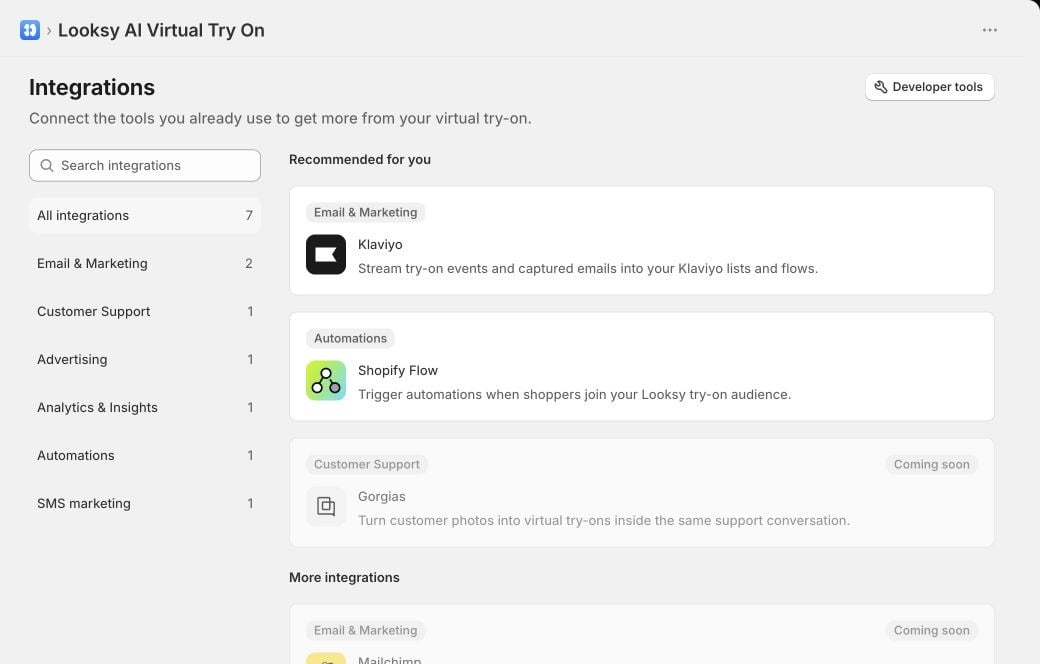
- Select Integrations, then choose Gorgias.
- Select Connect.
- Enter your Gorgias account name. For
your-account.gorgias.com, enteryour-account. - Select Continue to Gorgias and approve the requested access.
- Return to Looksy and confirm that the Gorgias status is Connected.
The connection is ready when the Gorgias page in Looksy shows Connected and your Gorgias account name.
Create a Virtual Try-On From a Ticket
- Open a Gorgias chat ticket where the shopper has explicitly requested a virtual try-on and attached their own photo.
- Review Looksy’s suggested products. Suggestions appear when the conversation contains a direct product link or a sufficiently clear product and variant mention.
- Select Generate and send on the correct product, or use Choose product and send to enter an active Shopify product URL or product ID manually.
- Confirm the action.
- Looksy generates the result and sends it back to the same Gorgias conversation.
How Credits and Safety Controls Work
Gorgias virtual try-ons use the merchant’s existing Looksy plan, credits, and safety limits. There is no separate Gorgias integration fee. Looksy validates the ticket, shopper request, image, and Shopify product before it queues a generation. Repeated clicks on the same action do not create or bill duplicate requests.Disconnect Gorgias
- In Shopify Admin, open Looksy.
- Select Integrations, then choose Gorgias.
- Open More actions and select Remove integration.
- Confirm Remove Gorgias.
Troubleshooting
The Looksy action is missing from a ticket
Refresh the ticket after connecting Gorgias. Confirm that the ticket is a chat conversation and that the connection still shows Connected in Looksy.
No product suggestion appears
Use Choose product and send and enter an active product URL from the connected Shopify store, or the Shopify product ID.
Looksy cannot use the shopper's photo
Confirm that the shopper attached a JPG, PNG, or WebP image and explicitly requested a virtual try-on in the chat. Looksy does not generate from an attachment alone.
The Gorgias connection was revoked
Return to Looksy → Integrations → Gorgias and reconnect the account.