FEATURES
Every feature, built around one photo
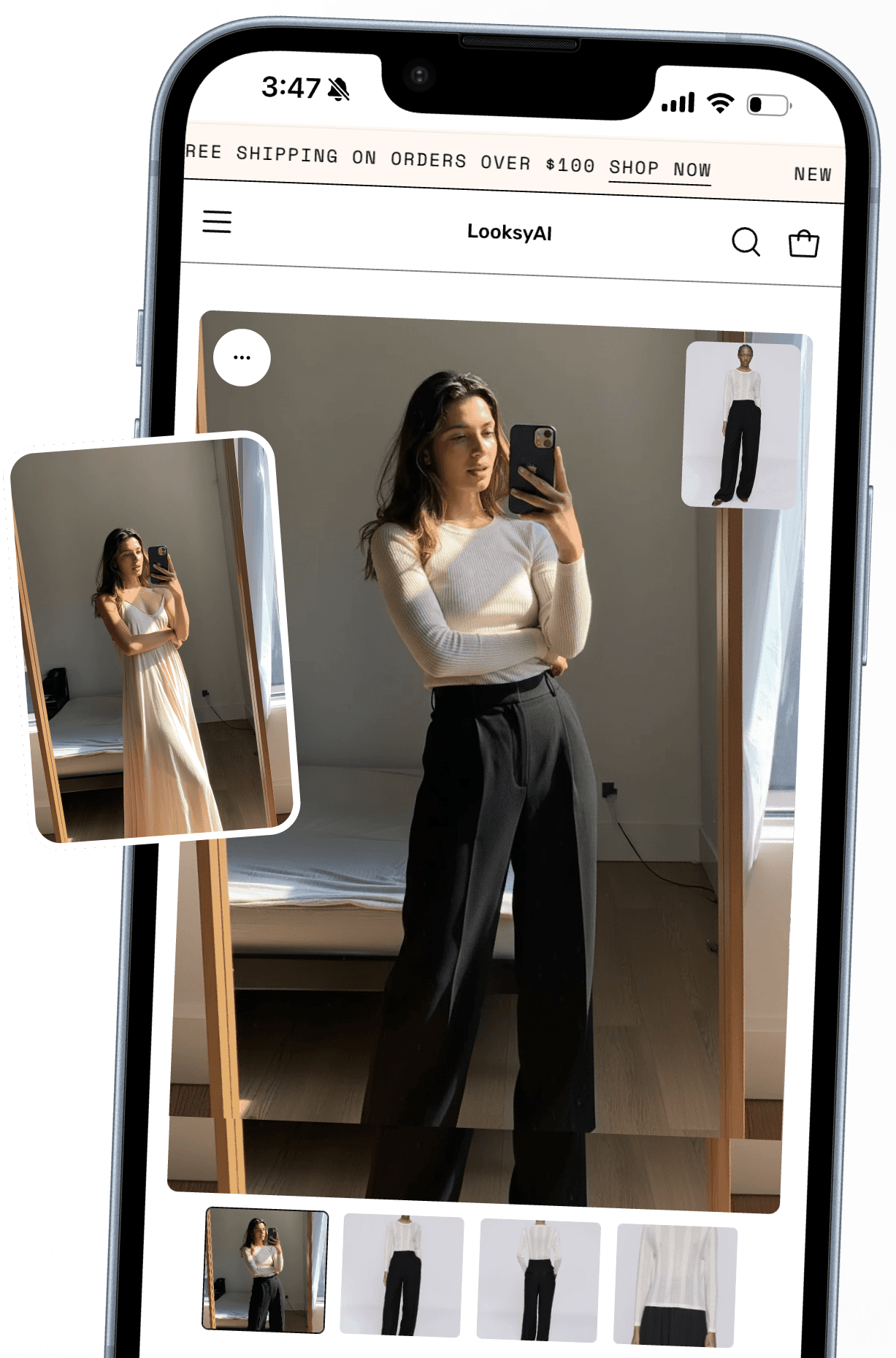
The try-on is the wedge. Around it: styling, sizing, content, links, and follow-up, before, during, and after the sale.
01 · BEFORE THE VISIT
Content and links that pull shoppers in.
Flat shots become model photos
Looksy Studio, now in early access: on-model photos from the product images you already have.

→

✦ Studio shot
Links that open into try-on
Short links and QR codes for social bios, email, packaging inserts, and in-store displays.


yourstore.com/try/overshirt
02 · ON THE PRODUCT PAGE
Try it on. Style the look. Nail the size.
Shoppers style the whole look
Mix pieces in the fitting room, try on the complete outfit, and add it all to cart, bundle savings included.


→
Bundle · Save 15%
Try-on, in motion
A short try-on video from the same photo, shoppers watch the piece move on them, right on the product page.
VIDEO
0:12
The right size, more often
Your size chart powers the suggestion, so shoppers order the size that actually fits.
XS
S
M
L
XL
✓ Suggested for this shopper
03 · AFTER THE TRY-ON
Follow up while the look is still fresh.
Emails that start with a great try-on
When shoppers love their result, they can opt in to hear from you. Your list, your Klaviyo flows.
Your Terra Linen Shirt try-on ✨
Still thinking about it? Here’s how it looked on you…
Yes, email me about new drops
Answer with a look
Shoppers ask, you show: share a try-on link in any support conversation today, native Gorgias integration is next.
Does this fit my style?
See it on you →
Try it on.
Install free, run unlimited try-ons on your own catalog, and see it working in your store today. No commitment.
✓ Free plan to start
✓ White-glove onboarding
✓ Live in minutes, no code
✓ Cancel anytime