Ecommerce
Shopify Virtual Try-On App vs Plugin: 2026 Guide
A practical guide to choosing a Shopify virtual try-on app, AR plugin, or custom integration based on setup speed, product category, privacy, analytics, and shopper experience.

For most Shopify fashion stores, a virtual try-on app is the right starting point. It gives you a no-code install, theme-safe placement, analytics, billing, and support in one package. A plugin or custom integration makes sense when you need category-specific AR, unusual product data, or a deeply custom shopper flow that a standard Shopify app cannot support.
The important question is not whether virtual try-on is an "app" or a "plugin." Merchants use those words loosely. The important question is how much control you need, how quickly you need to launch, and whether shoppers will actually use the experience before checkout.
App vs plugin: what does it mean on Shopify?
On Shopify, an app usually means a packaged product installed through the Shopify App Store. It handles authorization, billing, merchant settings, and usually includes a storefront extension, app embed, or product-page widget. For merchants, this is the lowest-friction path: install, configure, test on a product, and measure what happens.
A plugin is a looser term. Sometimes people use it to mean the same thing as an app. Other times they mean an embedded widget, script, AR viewer, API integration, or custom storefront component. That can be powerful, but it often needs more implementation work and more ongoing ownership.
If you are comparing options, start with the operational question:
Can my team install and manage this without a developer?
Does it work with my Shopify theme and product data?
Will shoppers understand the try-on flow quickly?
Can I measure try-ons, conversion behavior, and product-level usage?
What happens to shopper photos and personal data?
Those questions matter more than the label on the tool.
Quick decision table
Choose this | Best when | Watch out for |
|---|---|---|
Shopify virtual try-on app | You want the fastest launch and merchant-managed settings | Some apps are category-specific, so check product fit |
AR/camera plugin | You sell eyewear, makeup, jewelry, or products that need live placement | Camera permission can add shopper friction |
Custom API integration | You need a bespoke try-on flow or headless storefront | More engineering, QA, and maintenance |
Size-chart add-on only | Fit advice is mostly measurement-based | It will not show how the item looks on the shopper |
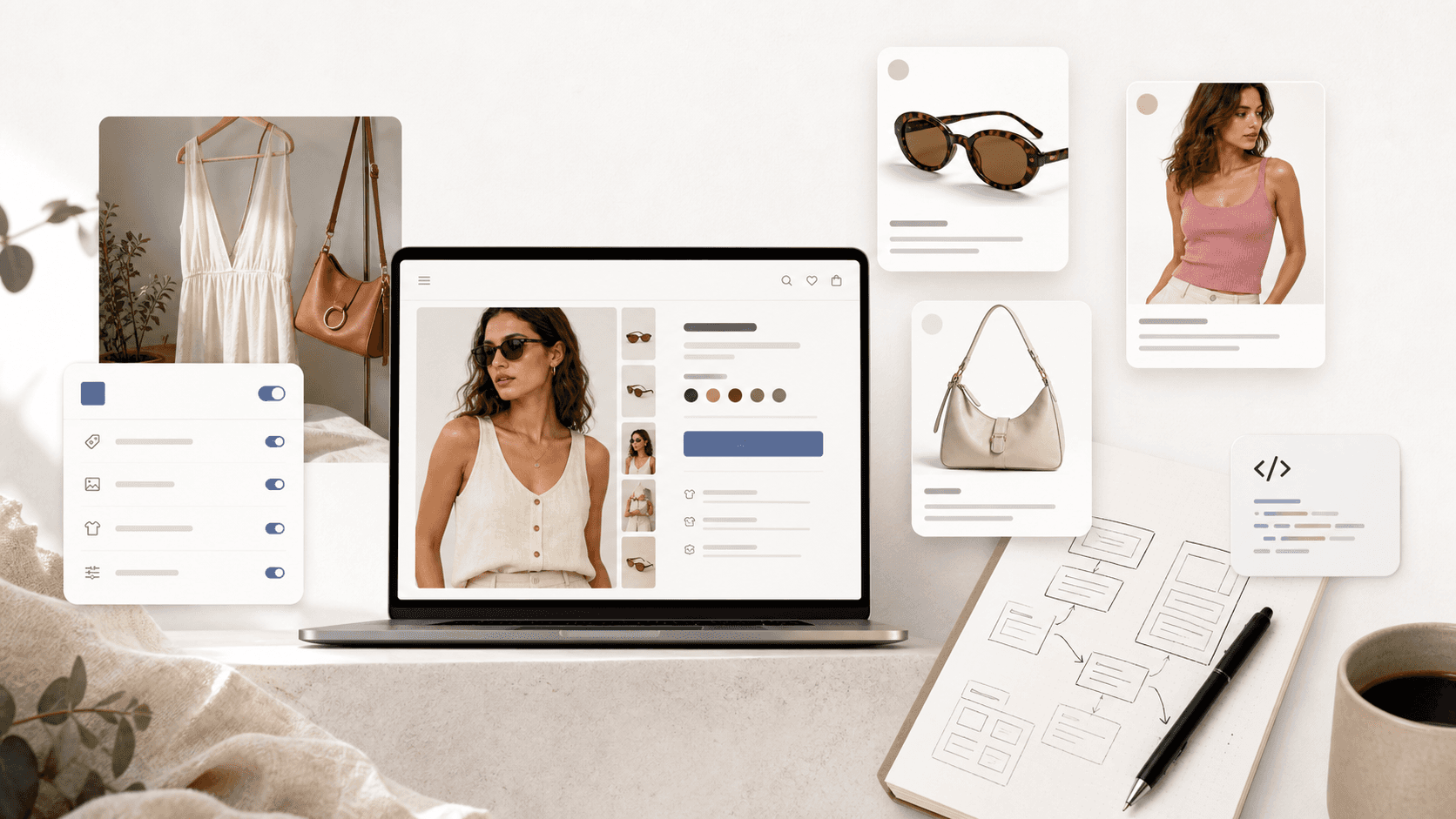
An app is the fastest path when the goal is a clean Shopify install, product-page placement, and merchant-managed settings. A custom plugin is better when the storefront flow or product category needs deeper control.
If your store sells apparel, accessories, eyewear, jewelry, furniture, or homeware and you want a practical starting point, begin with the app route. Then compare specific tools in a shortlist like our guide to the best Shopify virtual try-on apps.
Choose a Shopify virtual try-on app when speed matters
A Shopify app is the practical choice when you want to validate virtual try-on without turning the project into a custom build.
Look for an app when you need:
A quick install from the Shopify App Store
Product-page placement that works with your current theme
A merchant dashboard for settings and analytics
Usage or conversion reporting by product
Clear pricing before you commit
Support if theme placement or shopper flow needs adjustment
Looksy's Shopify App Store listing, for example, emphasizes quick setup, device compatibility, usage insights, privacy, and automatic design matching. That is the shape most merchants should want from a first try-on launch: the tool should reduce work, not create another technical dependency.
The strongest app candidates are not just image generators. They should help you answer business questions:
Which products get tried on most?
Do shoppers who try on products add to cart more often?
Which products still have hesitation after try-on?
Is the app helping confidence, or just creating novelty clicks?
If an app cannot help you learn those things, it may produce attractive visuals without improving the buying decision.
Choose a plugin or custom integration when your category demands it
A plugin-style integration can be the better choice when your product category has unusual requirements.
Examples:
Makeup may need shade realism across skin tones.
Glasses and contacts may need face tracking.
Jewelry may need accurate placement on ears, hands, or neck.
Shoes may need sizing and shape guidance.
Furniture or art may need room-scale preview.
Banuba's Shopify listing is a good example of a category-specific AR approach: it focuses on makeup, glasses, contact lenses, and hair color, with camera-based virtual try-on and AR commerce features. mirrAR also presents itself around AI try-on and AR/3D visualization, with pricing based on credits and product type.
That specialization can be valuable. The tradeoff is that the shopper flow may be heavier. Live AR often means camera permission, device compatibility, and more testing across browsers. For high-consideration products, that can be worth it. For a fashion store trying to reduce hesitation quickly, it may be more complexity than the first launch needs.
AI photo try-on vs AR camera try-on
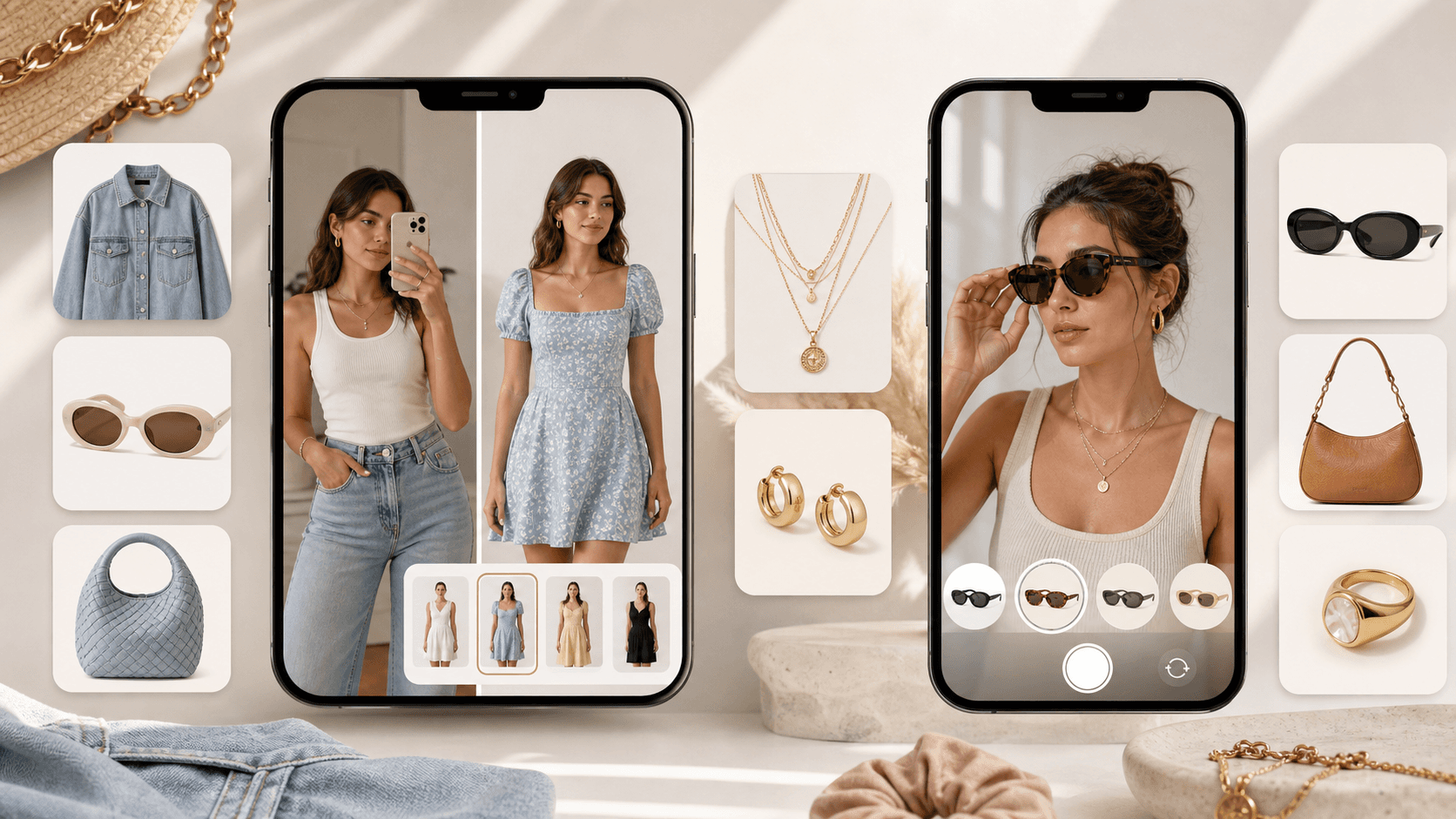
AI photo try-on works best when shoppers want a quick style preview. AR camera try-on is better when live placement and scale matter most.
Most Shopify virtual try-on tools fall into two broad groups.
AI photo try-on uses a shopper photo, model image, or product image to generate a preview. It works well when the shopper wants to see style, fit impression, or outfit context without opening a live camera.
AR camera try-on uses the shopper's camera to place an item in real time. It works well for categories where position and scale matter, such as eyewear, makeup, jewelry, or watches.
Neither approach is automatically better. The right choice depends on the product and shopper moment.
AI photo try-on is usually strongest when:
The shopper is deciding if a style suits them.
The product is apparel, accessory, or lifestyle-driven.
You want fewer browser permission prompts.
You want a simple flow inside the product page.
AR camera try-on is usually strongest when:
Placement accuracy is essential.
The product sits on the face, hand, wrist, or room.
Live preview is more persuasive than a generated image.
The shopper expects an interactive try-before-buy tool.
The best implementation is the one shoppers actually use. If the experience is impressive but slow, confusing, or permission-heavy, it can lose the conversion moment it was supposed to save.
Pricing and setup checklist
Before installing any virtual try-on app or plugin, compare the setup model as carefully as the feature list.
Ask these questions:
Is there a free plan or trial?
Are try-ons billed by usage, product count, monthly plan, or credits?
Does the app work with your current theme?
Can you place the try-on button without editing code?
Does setup require product images, model images, 3D assets, or SKU tagging?
Can you control where the try-on appears?
What analytics are included?
What happens to shopper photos?
Can you test on a small product set before rolling it out?
mirrAR's listing shows a credit-based model with free credits and paid monthly tiers. Banuba's listing shows higher monthly plans tied to try-on volume and category coverage. Antla positions virtual try-on alongside size-chart workflows, discounts, and analytics.
That range is exactly why merchants should avoid choosing by feature count alone. A store testing virtual try-on for 20 hero products has a different need than a cosmetics brand rolling out live AR across thousands of SKUs.
Privacy and analytics should be part of the buying decision
Virtual try-on often touches sensitive shopper behavior. A customer may upload a photo, use a camera, or interact with a body-related fit experience. That makes privacy and trust part of conversion.
At minimum, your virtual try-on tool should explain:
Whether shopper photos are stored
How long generated images are retained
Whether images are used for model training
Whether shoppers need a live camera
What analytics merchants can see
Whether personal data is tied to a customer profile
Looksy's listing says customer photos are processed instantly and never stored. That kind of privacy statement is useful because it reduces merchant and shopper uncertainty.
Analytics matter for a different reason. If virtual try-on is supposed to reduce hesitation, you need more than install confirmation. You need product-level signals: try-on starts, try-on completions, add-to-cart behavior, conversion movement, and which products are worth expanding.
Recommendations by store type
For a fashion boutique, start with a Shopify virtual try-on app. You want fast setup, shopper confidence, and a simple product-page experience. Use the first month to measure try-on engagement on top-viewed products.
For eyewear or beauty, compare AR-specific plugins and apps. Live camera preview may be worth the extra complexity because placement and shade realism matter more.
For jewelry, compare AR placement tools against AI photo try-on. If shoppers need to inspect rings, earrings, or watches in position, AR may win. If the store also sells apparel or accessories, a broader AI try-on app may cover more of the catalog.
For stores relying heavily on size charts, read our guide to virtual try-on vs size charts. These tools solve different parts of the buying decision: size charts answer measurement questions, while virtual try-on answers confidence and appearance questions.
For stores already evaluating competitors, use the comparison pages:
If you want to see how the flow would work on your products, you can book a Looksy demo.
FAQ
Is a Shopify virtual try-on app the same as a plugin?
Not always. Merchants often use the words interchangeably, but a Shopify app usually includes installation, billing, settings, support, and theme integration through Shopify. A plugin may mean a widget, script, AR viewer, API, or custom integration.
What is the easiest way to add virtual try-on to Shopify?
The easiest route is a Shopify App Store app with no-code setup and product-page placement. For a step-by-step launch path, see our guide on how to add virtual try-on to your Shopify store.
Should I choose AI try-on or AR try-on?
Choose AI try-on when shoppers need a fast style or fit preview without a live camera. Choose AR try-on when placement and scale are essential, such as makeup, eyewear, jewelry, watches, furniture, or art.
What should I measure after installing virtual try-on?
Track try-on starts, completed try-ons, add-to-cart rate after try-on, product-level usage, conversion rate, and return behavior. The best tool is the one that helps shoppers make a decision, not just the one that creates the most impressive demo image.
Can virtual try-on replace size charts?
No. It should complement size charts. Size charts answer measurement questions. Virtual try-on helps shoppers visualize appearance, confidence, and style. For many stores, the best setup uses both.
Which Shopify virtual try-on app should I compare first?
Start with your category. Apparel stores should compare AI try-on apps. Beauty and eyewear stores should compare AR try-on tools. Multi-category stores should prioritize tools that support more than one product type and provide usable analytics.