Ecommerce
Shopify Features That Help Fashion Stores Sell Online
A practical guide to the Shopify features that help fashion stores sell online: faster checkout, product reviews, search, product recommendations, analytics, performance, and virtual try-on.

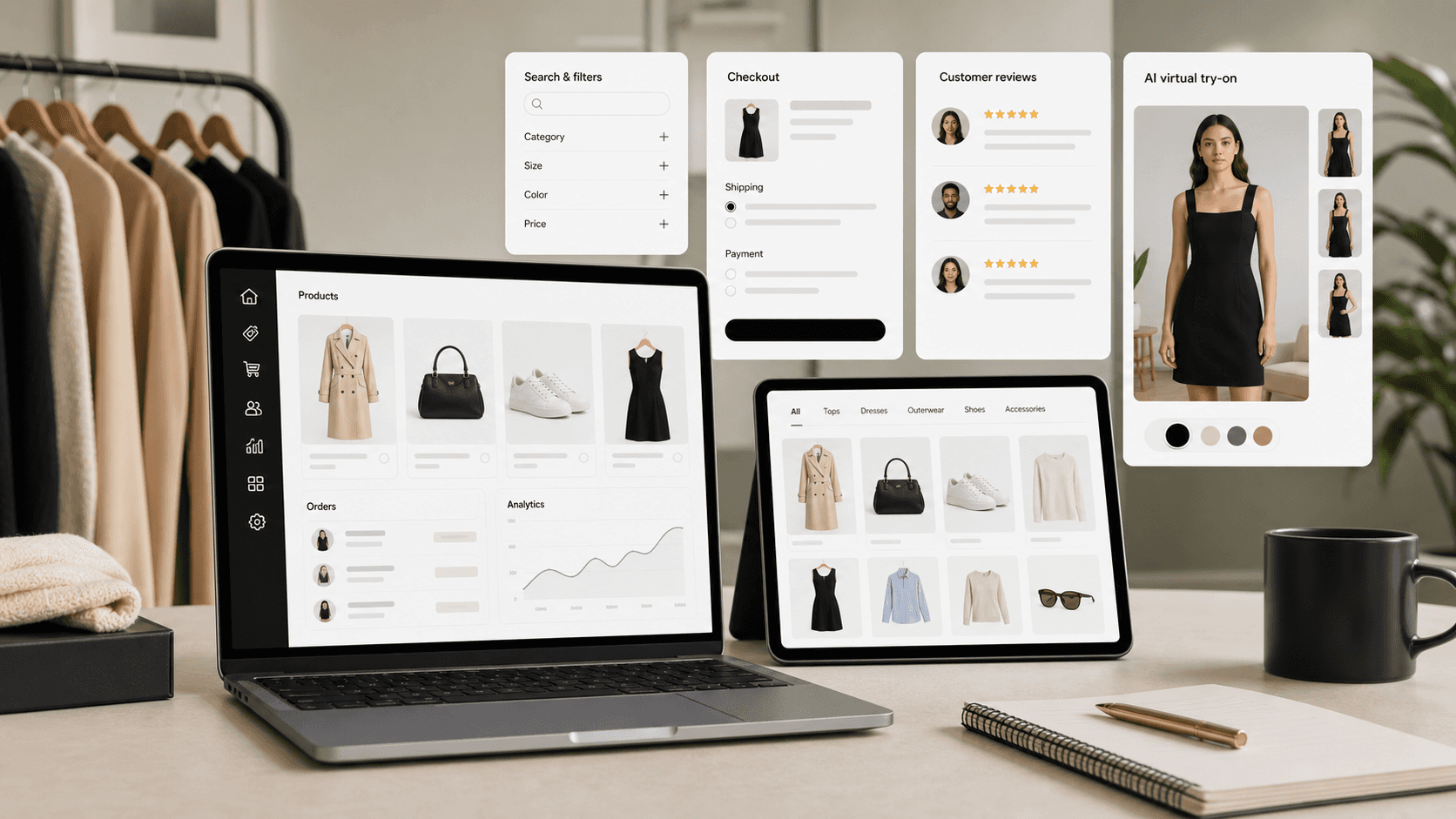
The Shopify features most likely to increase online sales for fashion stores are fast checkout, product recommendations, reviews, search and filters, analytics, performance reporting, and fit-confidence tools such as virtual try-on.
For fashion stores, the goal is not to turn on every app or setting at once. The better approach is to improve the moments where shoppers hesitate: finding the right product, trusting the fit, understanding the product, getting through checkout, and knowing what to optimize next.
1. Shop Pay and accelerated checkout
Checkout friction is one of the easiest places to lose a ready buyer. Shopify supports accelerated checkout options, including Shop Pay, so returning shoppers can complete checkout without re-entering the same details every time.
For a fashion store, this matters because shoppers often browse on mobile, compare several items, and make quick decisions when they finally find the right product. A shorter checkout flow will not fix weak product pages, but it can protect the demand you already created.
Use this feature when:
Mobile traffic is high but checkout completion is weak.
Shoppers are reaching checkout and dropping off.
Your product pages already answer the main sizing, shipping, and return questions.
2. Product reviews and customer proof
Product reviews help shoppers understand whether an item matched expectations for real buyers. For fashion stores, reviews are especially useful when customers mention fit, fabric, sizing, color, comfort, or occasion.
The strongest review implementation is not just a star rating. It should help the shopper answer practical questions:
Did the item fit true to size?
Was the color close to the product photos?
Did the fabric feel as expected?
Would the buyer order the same size again?
Are there photos or written details that make the decision feel safer?
Shopify’s Shop product reviews can collect feedback from customers who bought through Shop or the online store, and those reviews can give shoppers more information while they compare products.
3. Search, filters, and product discovery
If shoppers cannot narrow the catalog quickly, they leave before they reach the right product. Shopify Search & Discovery can help merchants customize filters, search behavior, and recommendations.
For fashion stores, useful filters usually match how customers shop:
Size.
Color.
Fit.
Product type.
Price.
Occasion.
Material.
In-stock availability.
The key is to make filters specific enough to help, without creating a crowded interface. A boutique with 60 SKUs does not need the same filter system as a large catalog. Start with the few product attributes that shoppers actually compare before buying.
4. Product recommendations and complementary products
Product recommendations can help shoppers find related products without going back to a collection page. Shopify’s Search & Discovery app supports product recommendation controls, including complementary products on product pages.
For fashion merchants, this can support:
Complete-the-look recommendations.
Matching accessories.
Similar styles in another color.
Alternative products when a size is unavailable.
Higher-confidence product discovery for shoppers who are still browsing.
Recommendations should feel helpful, not random. A shopper looking at a black dress may want matching shoes, a bag, or similar dresses. They probably do not need a generic list of best sellers if the products are unrelated to their current intent.
5. Shopify Analytics and reports
Shopify Analytics gives merchants a place to monitor store activity, sales, sessions, conversion behavior, and product performance. For stores trying to improve online selling, analytics turns a list of features into a measurable workflow.
Track the basics first:
Sessions by channel.
Product page views.
Add-to-cart rate.
Checkout behavior.
Returning customer rate.
Sales by product or collection.
Then connect those numbers to actual changes. If a product gets traffic but low add-to-cart activity, the problem may be product clarity, price, sizing, photos, or trust. If add-to-cart is healthy but checkout completion is weak, checkout, shipping, payment, or returns information may be the better place to look.
6. Web performance reports
A store can have strong merchandising and still lose shoppers if pages feel slow or unstable. Shopify web performance reports help merchants understand loading speed, interactivity, and visual stability through Core Web Vitals.
Fashion stores should watch performance carefully because product pages often carry heavy images, variant selectors, reviews, size charts, try-on widgets, and recommendation blocks. Every feature should earn its place on the page.
Use performance reports to decide:
Whether new app blocks are slowing key templates.
Whether image-heavy pages need cleanup.
Whether mobile product pages feel stable enough to browse.
Whether a conversion feature is adding more friction than value.
7. Virtual try-on for fashion buying confidence
Fashion shoppers often hesitate because they cannot tell how a product will look on them. Size charts and product photos help, but they do not always answer the shopper’s personal fit and style question.
Virtual try-on is useful when the store sells products where visual confidence affects the purchase decision. It can support the buying flow by helping shoppers preview an item before checkout, especially for apparel categories where fit, silhouette, and styling matter.
This is where Looksy fits into the feature stack. Shopify handles the store, product pages, checkout, analytics, and merchandising system. Looksy adds an AI virtual try-on layer for fashion stores that want shoppers to evaluate products with more confidence before they buy.
Related internal links:
8. A practical priority order
If you are improving a Shopify fashion store, use this order:
Make product pages clear: photos, sizing, returns, shipping, reviews, and product details.
Make discovery easier: search, filters, collections, and recommendations.
Reduce checkout friction: Shop Pay and accelerated checkout options.
Improve buying confidence: reviews, fit guidance, and virtual try-on where product fit matters.
Measure changes: Shopify Analytics, product performance, conversion rate, and web performance.
The best Shopify features for online selling are not isolated settings. They work together as a buying path. Help shoppers find the right product, trust it, preview it, and buy it with less friction.
FAQ
What Shopify features help increase online sales?
The most useful Shopify features for online selling are accelerated checkout, product reviews, search and filters, product recommendations, analytics, web performance reports, and category-specific tools such as virtual try-on for fashion stores.
Does Shop Pay help Shopify stores sell more?
Shop Pay can reduce checkout friction by saving customer details and speeding up repeat checkout. It works best after the product page has already answered the shopper’s sizing, shipping, trust, and return questions.
Which Shopify features matter most for fashion stores?
Fashion stores should prioritize product photography, reviews, size and fit guidance, search filters, recommendations, checkout speed, analytics, and virtual try-on when visual confidence affects the purchase decision.
Are product recommendations worth using on Shopify?
Product recommendations are useful when they match the shopper’s current intent. For fashion stores, that can mean similar styles, complementary products, matching accessories, or alternatives when a size is unavailable.
How should a store measure whether these features are working?
Start with Shopify Analytics: sessions, product page views, add-to-cart rate, checkout behavior, conversion rate, sales by product, and returning customer rate. Then compare those metrics before and after each change.
Where does virtual try-on fit in a Shopify store?
Virtual try-on fits on product pages where shoppers need more confidence before buying. It is most relevant for fashion products where fit, silhouette, and styling affect whether a shopper adds the item to cart.