Shopify apps
7 Best Shopify Mobile App Builders to Try in 2026
Compare seven Shopify mobile app builders for 2026, including current pricing, features, ratings, integrations, and the trade-offs that matter before you launch.

Guest contribution from Pragnesh Patel at VegaCart. Edited and fact-checked by Looksy. Pricing and rating snapshots were checked on 5 August 2026; current listings may change.
If you’ve been putting off turning your Shopify store into a mobile app, I get it. A few years back, that meant hiring developers, waiting months, and spending a small fortune. Not anymore.
These days, a Shopify mobile app builder takes your existing store and turns it into a real iOS and Android app, and in most cases, you won’t write a single line of code. You drag things around, drop them where you want, connect your Shopify data, and hit publish. Stores that would’ve taken months to launch an app now go live in days.
This guide explains what these builders do, why they are worth considering, and which seven tools stand out in the Shopify App Store. Pricing, ratings, and features were checked against each app’s listing on 5 August 2026; listings can change.
What Do Shopify Mobile App Builders Actually Do?
Put simply, a Shopify mobile app builder connects to your existing store and turns your products, collections, and checkout into a native app for iOS and Android. Most use a drag-and-drop editor, so no developer is needed.
Think of it like a bridge. Your Shopify admin doesn’t change at all. Inventory, orders, customers, everything still lives exactly where it always has. The app builder just pulls that data into a mobile-friendly shell that customers download from the App Store or Google Play.
Here’s what most of these tools handle for you:
Syncing your product catalog and collections in real time
Letting you design screens, banners, and navigation, no developer required
Sending push notifications straight to a customer’s phone
Publishing and keeping up your app listing on Apple’s and Google’s stores
Connecting to tools you’re already using, like Klaviyo or Yotpo
A few go further and add AI that writes your push notification copy or personalizes each shopper’s home screen. Others don’t bother with any of that and just focus on being fast and cheap.
The 7 Best Shopify Mobile App Builders
Quick look at how they stack up on price, ratings, and what each one’s actually good at.
App | Starting price | Best for |
|---|---|---|
Free builder tier; paid plans from $199/month | Growing DTC brands | |
From $499/month | AI-assisted app operations | |
From $149/month | A proven, widely used builder | |
7-day trial; paid plans from $500/month | Established brands seeking personalization | |
From $1,000/month plus sales fee | Extensive creative control | |
From $99/month | Flat pricing and custom blocks | |
Free to install with success fee | Revenue-share starter model |
1. Vegacart
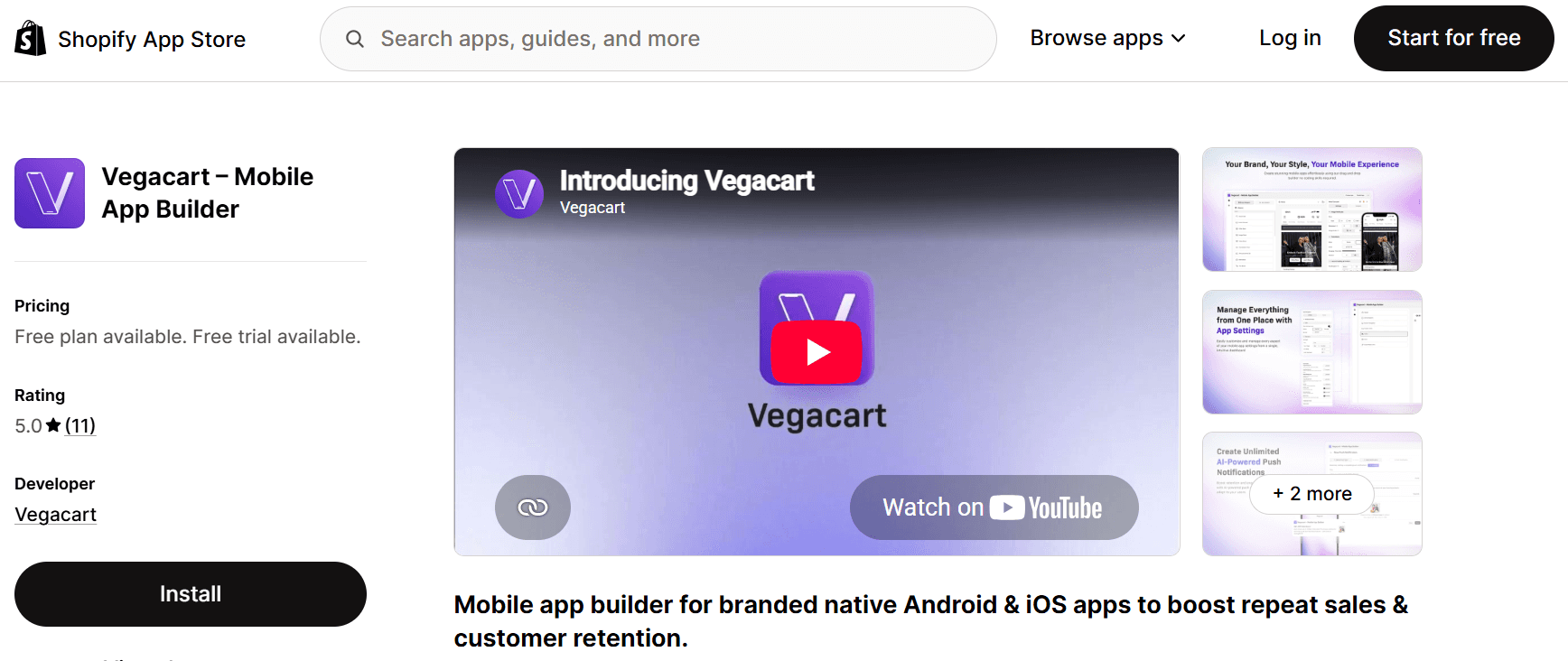
Vegacart takes your Shopify store and turns it into a native iOS and Android app, no code required. The drag-and-drop builder is refreshingly simple, inventory syncs live so you’re never stuck showing stale stock, and the AI-assisted push notifications basically write themselves.
Switching from another builder? Vegacart migrates your setup for free, so you don’t have to start from scratch. It’s really built for growing Shopify brands that want a fast, affordable way into mobile, minus the enterprise price tag and the steep learning curve that usually comes with it.
Features
Free builder tier: Use the drag-and-drop editor, real-time store sync, search and filter before choosing a paid launch plan.
Push notifications: Paid plans include push notifications, while higher tiers add automated and AI-assisted campaigns.
Developer-account support: Vegacart’s listing says apps can be published using its developer accounts, with setup support included.
Free migration: The listing offers migration from Tapcart, Shopney, Vajro, Apptile, OneMobile, and other app builders.
Integrations: Vegacart lists Klaviyo, Yotpo, Recharge, LoyaltyLion, Judge.me, and other Shopify tools.
Real-time store sync: Products, inventory, collections, and pricing stay connected to Shopify.
Support: Recent reviews frequently mention responsive, hands-on setup help.
Good for: Growing DTC brands that want reliable software backed by real support.
Pricing (14-day free trial)
Free: Free
Grow: $199/month or $2,029/year (save 15%)
Scale: $499/month or $5,389/year (save 10%)
Enterprise: $999/month or $10,789/year (save 10%)
2. Appbrew
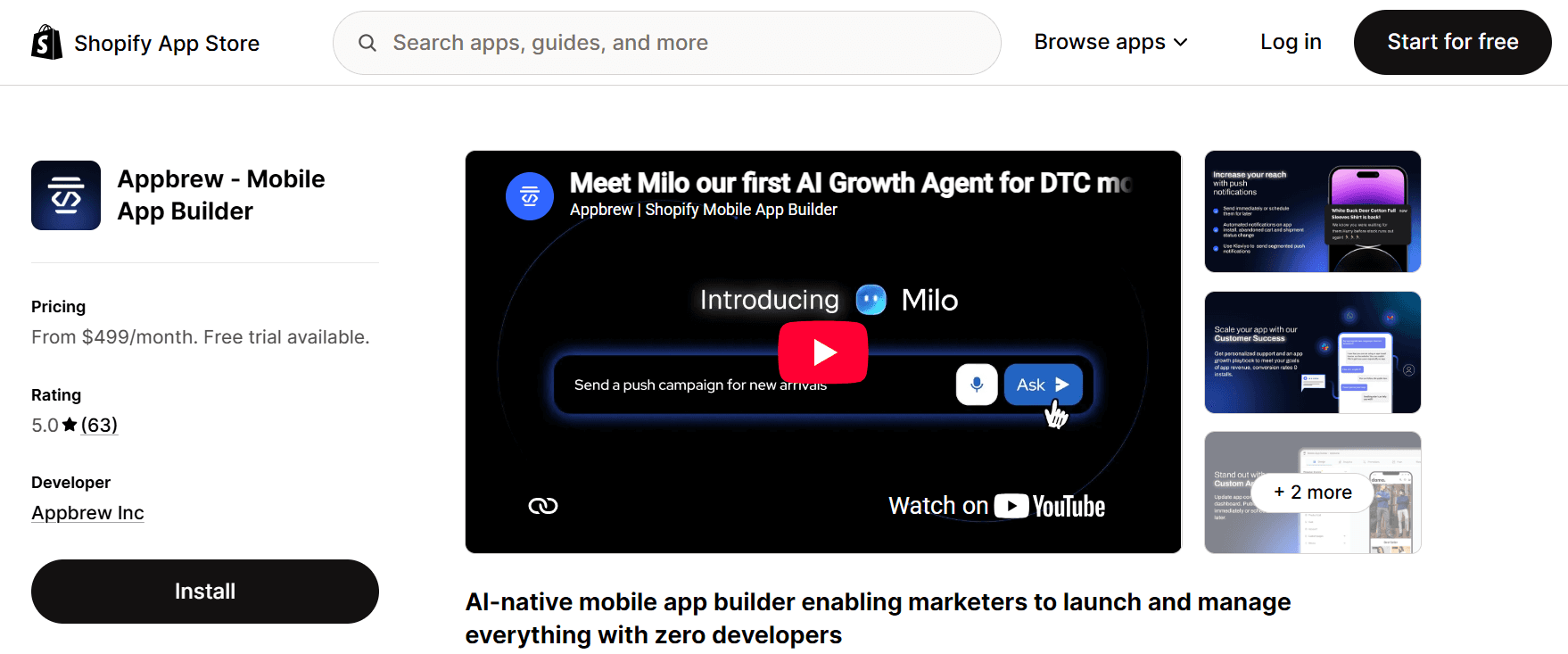
Appbrew goes all in on AI. Its assistant, Milo, picks up a lot of the work that used to fall on a marketing team, writing campaign copy, generating CMS content, and suggesting personalization tweaks along the way.
The Pro plan starts at $499 a month and includes unlimited standard integrations, push notifications, analytics, and AI-assisted content tools. Enterprise starts at $999 a month and adds custom app design, multi-currency and language support, premium integrations, and a dedicated customer success manager.
Reviewers mention an easy switch from other builders, and support that responds fast, which matters a lot more than people think once your app is live and something breaks at the worst possible time.
Good for: Teams that want AI doing the heavy lifting on campaigns and content.
Features
An AI agent runs your growth work: Milo handles campaign copy, CMS content, and personalization suggestions, so your team isn’t staring at a blank page every time.
Integrations: Pro includes unlimited standard integrations; Enterprise adds unlimited premium integrations.
Unlimited push notifications: Included on every paid tier. No caps to bump into as your list grows.
A dedicated success team: Reviews keep pointing to hands-on help with setup and strategy, not just ticket support that leaves you waiting.
Pricing (14-day free trial)
Appbrew Pro: starts at $499/month
Appbrew Enterprise: starts at $999/month
Additional charges based on app performance.
3. Shopney
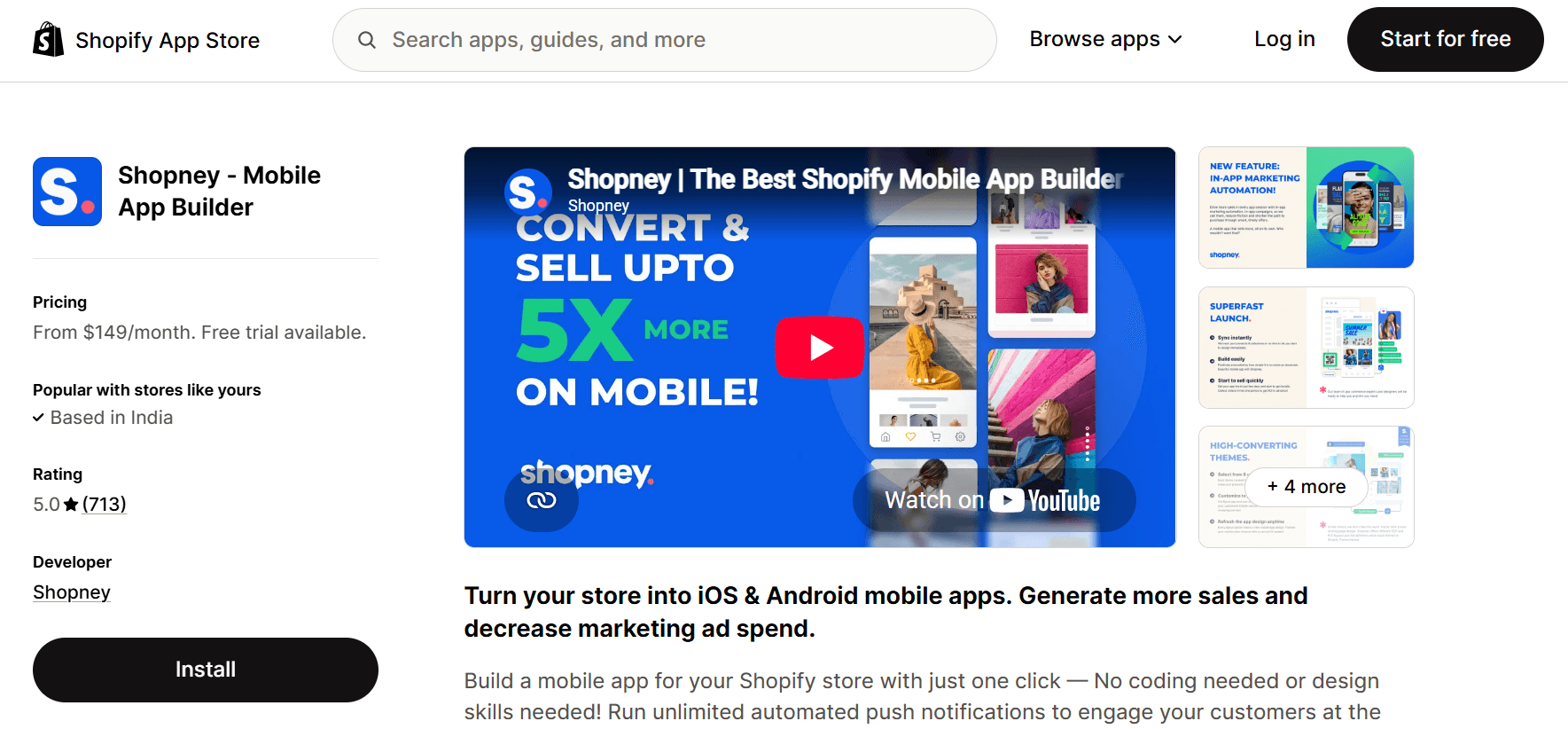
Shopney has been in this category since 2019, and its track record is substantial: more than 700 reviews and a 4.9 average when checked.
The Silver plan starts at $149 a month and already comes with unlimited push notifications and in-app live chat. Go higher and you’ll get augmented reality, barcode scanning, and live selling, features that most builders on this list simply don’t offer. There’s also a 30-day free trial across every plan, which beats the 7 to 14 days most competitors give you.
Merchants often bring up how easy the drag-and-drop editor is, even with zero design background, and how the 24/7 support genuinely responds fast.
Good for: Merchants who want the most battle-tested option with solid support behind it.
Features
Proven at scale: More than 700 reviews and a 4.9 average give Shopney one of the longest track records in this comparison.
Live chat built right in: Customers get real-time help without ever leaving the app.
Extra retail tools: AR, barcode scanning, and live selling are all on the higher tiers.
The longest trial on this list: 30 full days to test things out before you commit to anything.
Pricing
Silver: $149/month
Gold: $299/month
Platinum: $599/month
Enterprise: $1,299/month
4. Tapcart
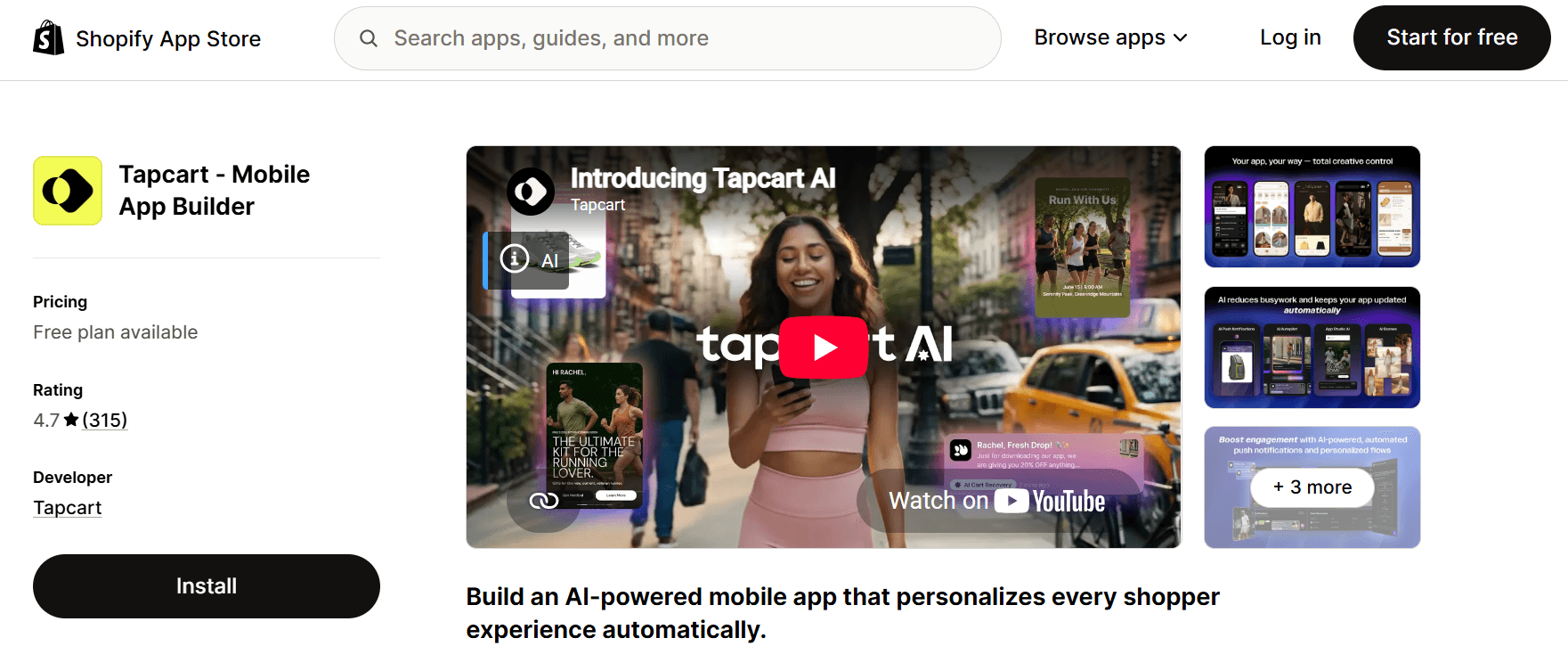
Tapcart is one of the bigger names here, and it’s really built for brands ready to go all in on AI-driven personalization. Its App Studio lets your marketing team make design and content changes on their own, without a developer being pulled in every time something needs updating.
There’s a free 7-day trial to try it out, then things jump to $500 a month for Growth, all the way up to $2,850 a month for Enterprise with dedicated support and developer tools. That’s a much bigger investment than most other options on this list.
Tapcart was listed at 4.7 stars across 315 reviews when checked. Merchants often praise the support team, while some reviews mention slower bug resolution. If the budget fits, it remains a substantial option.
Good for: Established brands with the budget for a fully personalized app experience.
Features
AI-driven personalization: Recommendations, journeys, and campaigns adjust automatically based on each shopper’s behavior.
App Studio for marketers: Update design and content directly, no developer required for every little change.
Built to scale: Enterprise plans come with a 99.99% uptime SLA and SOC2 compliance, useful if you’re a bigger brand with strict reliability needs.
Real-time analytics: Advanced reporting and A/B testing are standard from the Scale plan up.
Pricing
Trial: Free
Growth: starts at $500/month + performance-based fees*
Scale: starts at $1,250/month + performance-based fees*
Enterprise+: starts at $2,850/month + custom pricing*
Additional charges may apply based on your agreement.
5. AppMaker
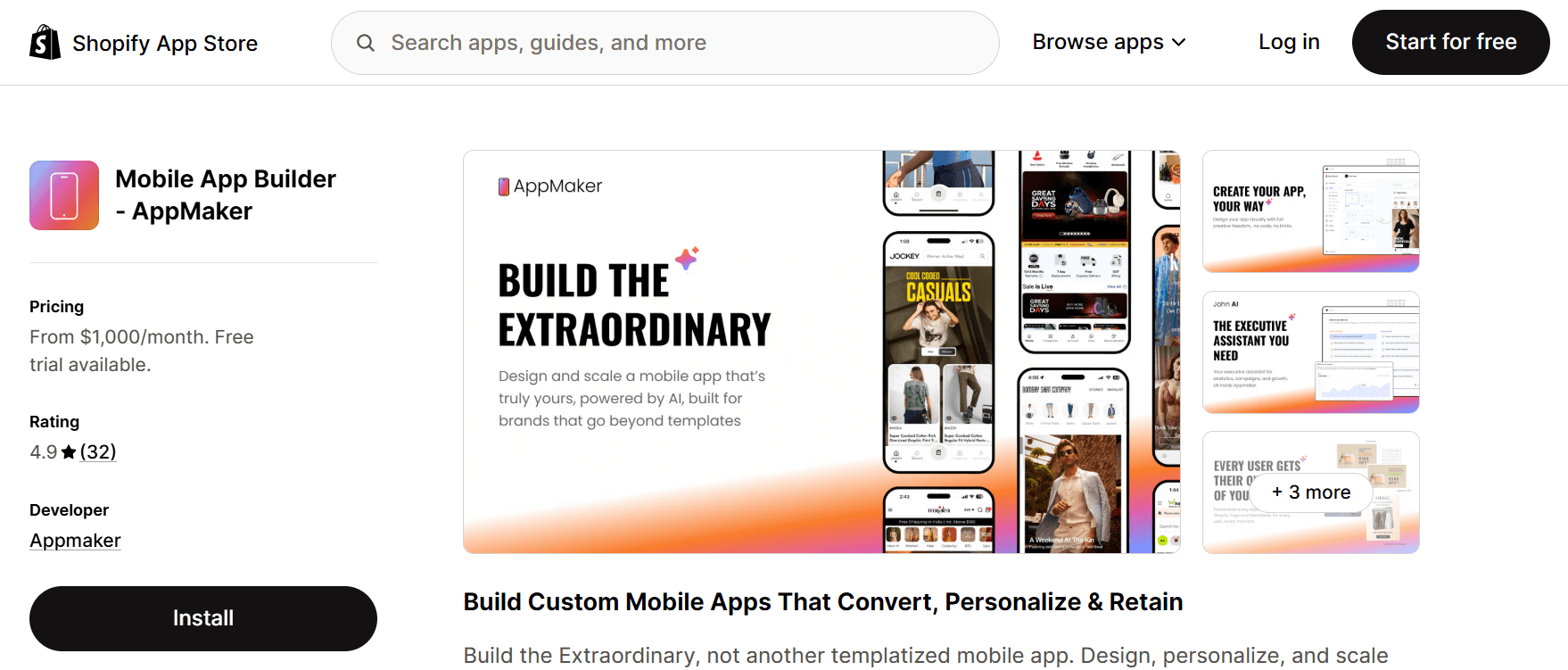
AppMaker positions itself as the tool for brands who don’t want a templated, cookie-cutter app. It runs on an open architecture, which basically just means more room to move if you’ve got specific design or functionality needs.
It’s also the most expensive option here, starting at $1,000 a month for the Pro plan, plus 1% of in-app sales. Go with Plus and that doubles to $2,000 a month. That’s a real commitment, so it makes more sense for brands already pulling in solid app revenue rather than someone just testing the waters.
Its built-in AI assistant, John, handles analytics questions and quick builds. The listing showed 4.9 stars across 32 reviews, and recent merchants frequently mention responsive onboarding support.
Good for: Established brands that need a fully custom app and have the budget for it.
Features
Full creative control: Open architecture instead of rigid templates, so custom design requests are actually doable.
John, the AI assistant: Handles analytics questions and quick build requests without a developer standing by.
Personalization via metafields: Conditional blocks let you tailor content using tags and metafields you already have.
Enterprise-grade support: Priority support and a dedicated customer success manager on the Plus plan.
Pricing
Pro: $1,000/month + 1% of in-app sales
Plus: $2,000/month + 1% of in-app sales
6. Evlop
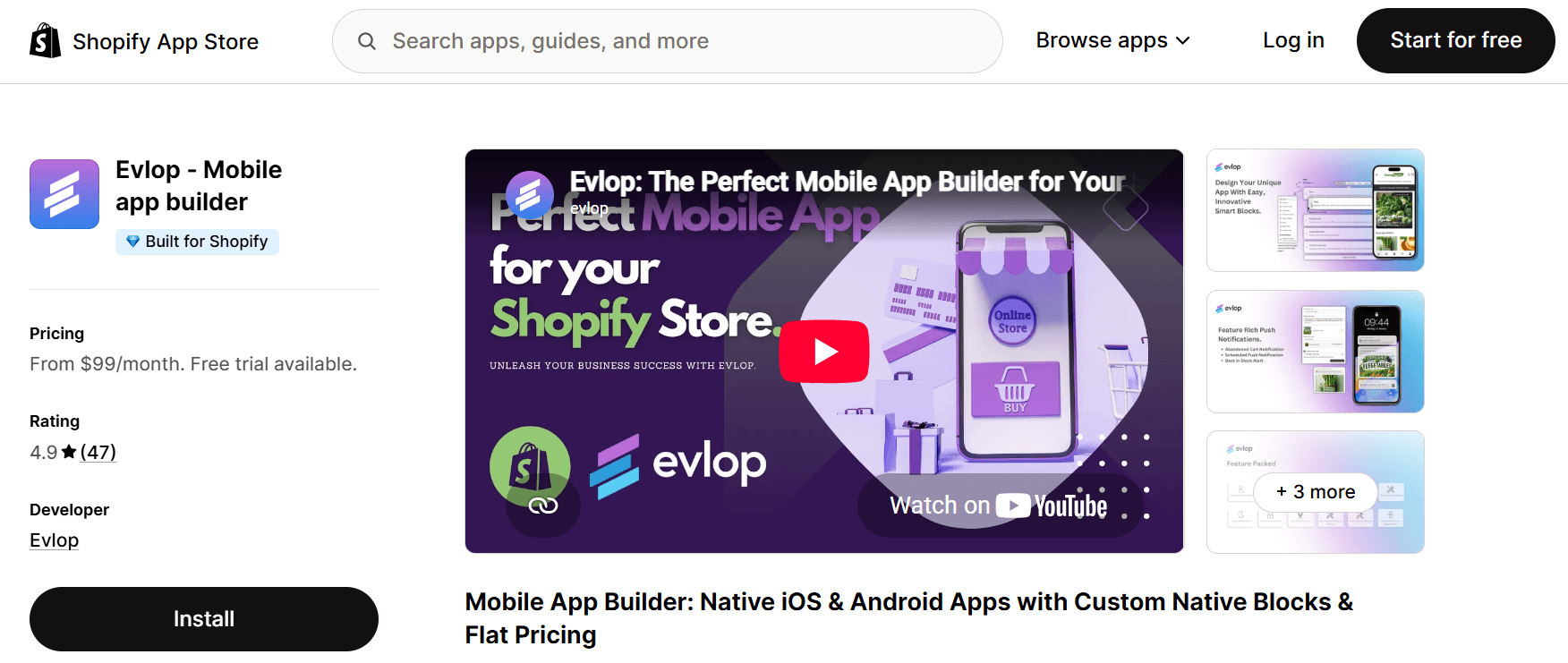
Evlop carries a Built for Shopify badge, which means Shopify itself has vetted it for performance and integration quality. Not every app on this list can say that.
Pricing kicks off at $99 a month for Starter, the cheapest entry point here, and there’s no revenue share eating into your sales at any tier. Bump up to the Business plan at $499 a month and you also get custom development work and B2B features bundled in, which is unusual since most builders sell that separately.
The listing showed 4.9 stars across 47 reviews when checked. Recent merchants frequently describe the platform as lightweight and the support as hands-on.
Good for: Budget-conscious merchants who still want a Shopify-vetted, flat-fee option.
Features
The Built for Shopify badge: One of the few builders here that Shopify has actually vetted for performance and integration.
No revenue share, ever: Flat pricing at every tier, so your growth doesn’t hand a bigger cut to Evlop.
Custom native blocks: Break free of templates with blocks built in HTML, CSS, JS, or Liquid on higher plans.
Launch support included: Their team handles your entire App Store and Google Play setup for you.
Pricing
Starter: $99/month
Professional: $249/month
Business: $499/month
7. Plobal

Plobal does something none of the others do: a genuinely free-to-install starter plan, no upfront cost, just a 3% fee on in-app sales once you’re actually live. Which basically means you don’t pay anything until the app starts making you money.
Prefer a flat rate? Plans start at $199 a month for Growth. The Enterprise tier at $1,199 a month throws in app personalization and priority support, plus a smaller 1% sales fee.
The listing showed 4.8 stars across more than 140 reviews when checked. Merchants frequently mention hands-on support through setup and store approval.
Good for: Stores that would rather pay a percentage of sales than a flat fee upfront.
Features
Pay only once you profit: The free plan charges 3% on in-app sales instead of a flat fee, so there’s zero upfront cost while you test things out.
Real-time analytics from day one: Even on the free plan, so you’re not guessing what’s working.
Hands-on help with Apple’s approval: Reviewers specifically mention support getting them through what’s often the most frustrating part of launching.
Solid integrations: Klaviyo, Recharge, Nosto, Searchspring, most of the stack a growing store already uses.
Pricing
Starter: Free to install + 3% of total in-app sales
Growth: $199/month
Essential: $499/month
Enterprise: $1,199/month + 1% of total in-app sales
How Do You Actually Choose the Right One?
Honestly, it comes down to matching the app builder to your budget and your store’s repeat-purchase rate. A $1,000-a-month tool only makes sense if enough customers are already coming back to buy again.
Before you commit to any of these, ask yourself a few things.
What’s your repeat customer rate right now? If most of your traffic is one-time buyers coming from ads, an app isn’t going to fix that by itself. Apps work best when you already have people who’d come back if you gave them a nudge.
Which pricing model fits your store? Evlop uses flat monthly plans. AppMaker combines a monthly subscription with a 1% in-app sales fee. Plobal offers a free-to-install starter tier with a 3% success fee. Vegacart offers a free builder tier and flat paid plans.
How much design control do you need? For extensive customization, compare AppMaker, Appbrew, and the higher tiers of other builders. If standard blocks cover your needs, a lower-priced plan may be enough.
What does your current tech stack look like? Check each app’s live integration list before signing. Klaviyo, Recharge, reviews, subscriptions, loyalty, and search support vary by provider and plan.
How quickly do you need to launch? Configuration can be fast, but custom design, integrations, developer-account setup, and Apple or Google review can extend the timeline.
And one more thing, read the recent reviews on each app’s Shopify listing instead of just glancing at the star rating. A tool with 700 reviews and a few recent complaints tells you a lot more than a newer app with a dozen perfect five-star reviews.
Final Thoughts
There’s no single “best” Shopify mobile app builder for every store, and that’s just the truth of it. A brand-new shop testing the idea probably shouldn’t jump straight into a $1,000-a-month enterprise plan. And a fast-growing brand already doing serious app revenue probably shouldn’t stay stuck on a bare-bones free plan forever either.
Start by figuring out your budget and how much of your sales actually come from repeat customers. That alone narrows things down to two or three realistic options pretty quickly. And since most of these builders offer free trials or free plans anyway, there’s really no reason not to just try one before committing to a full year.
If Vegacart fits your budget and integration needs, it is a practical place to start comparing. Its listing emphasizes a no-code builder, native iOS and Android apps, free migration, and hands-on launch support.
FAQ
Do I need coding skills to build a Shopify mobile app?
Usually not. The builders in this guide emphasize no-code or drag-and-drop workflows, though custom integrations may still need technical help.
How long does it take to launch a Shopify mobile app?
A basic app can be configured in days, but custom design, integrations, developer-account setup, and Apple or Google review can add time.
How much does a Shopify mobile app builder cost?
It varies from free-to-install or free-builder tiers to monthly plans starting around $99, with enterprise options at $1,000 or more. Some providers also charge a percentage of in-app sales.
Will a mobile app replace my Shopify online store?
No. It works alongside the store while products, orders, inventory, and customer data continue to sync through Shopify.
Can I switch between app builders later?
Yes. Some providers, including Vegacart, advertise migration support from other mobile app builders.